Product update 3 min read
Advanced AI Vehicle Videos: Turn Every Listing Into a Showroom Experience
Turn your existing inventory photos and details into professional, dealership-branded videos you can download, share on social and email to customers in a few clicks.
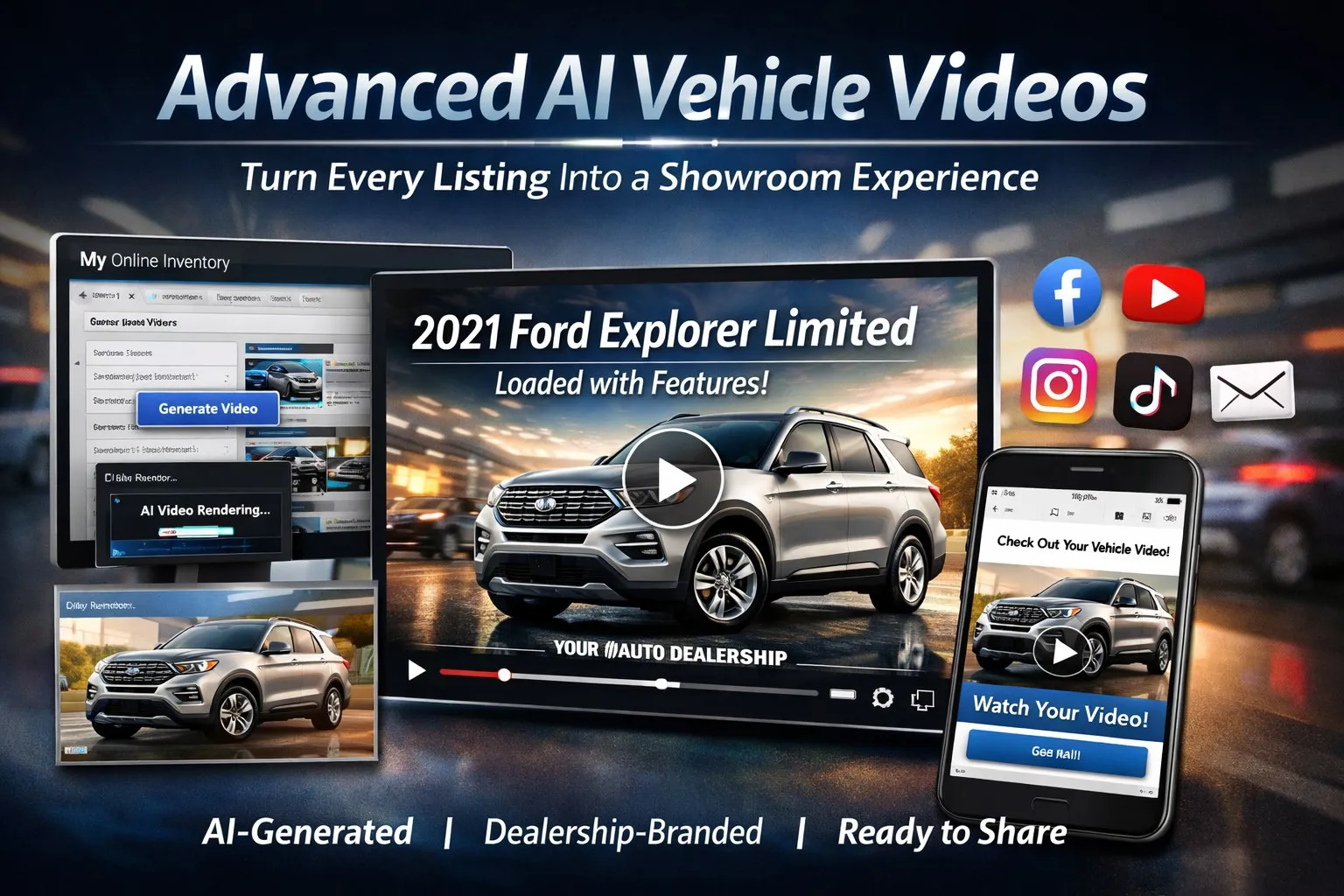
Advanced AI Vehicle Videos automatically turns your existing inventory photos and details into professional, dealership-branded videos you can download, share on social, and email to customers in just a few clicks.
What the feature does
Using the photos and vehicle information you already manage in MyOnlineInventory, Advanced AI Vehicle Videos builds a short, polished video for each unit. It sequences your best photos, adds simple motion and timing, and applies an AI-generated narration that highlights the year, make, model, trim, and key features — all wrapped in your dealership’s branding.
How to use it inside MOI
Generating a video is designed to fit naturally into your existing MOI workflow:
- Open a vehicle from the Vehicles page.
- Make sure you have at least one good photo loaded (more photos produce a better video).
- Click the Generate Video option from the vehicle’s video menu.
- We send the job to our AI video engine; you’ll see the video in queue while it renders.
- When it’s done, a notification appears and the completed video is attached to that vehicle.
From there you can preview the video, download the file, copy the link, or email it directly to a customer. No editing software, no exporting, and no extra logins.
Emailing a video to a shopper
Video makes follow-up emails far more compelling. Instead of sending a plain text “just checking in” message, your sales team can send a branded email that includes a direct link to a personalized vehicle video:
- Open the vehicle in MOI once the video is generated.
- Choose the Email Video option.
- Enter the shopper’s email address and a short note.
- Send — the customer receives a clean, dealership-branded email with a link to the video.
This gives your team a high-impact piece of content for every lead, especially for internet shoppers who may not have visited your lot yet.
Download and share on social media
One of the biggest advantages of Advanced AI Vehicle Videos is how easily you can use the content beyond your website:
- Download the completed video file directly from the vehicle.
- Post it to Facebook, Instagram, TikTok, YouTube, or X in just a few clicks.
- Mix these videos into your normal feed so it’s not just still photos and price graphics.
- Use short captions that highlight payment, mileage, or key features and always invite shoppers back to your inventory.
Video posts typically earn more views, more comments, and more shares than static images. By regularly posting AI-generated vehicle videos, your dealership stays visible in local feeds and looks more modern and active than stores relying only on photo posts.
Why video is such a strong marketing tool
Across automotive and retail, video consistently outperforms static content. Shoppers spend more time with video, remember more of what they’ve seen, and feel more confident about the product and the seller. For dealers, that translates into:
- Higher engagement on vehicle detail pages and social posts.
- Better trust, because video feels closer to an in-person walk-around.
- More qualified leads, since shoppers who watch a full video are often further along in their decision.
- Built-in shareability, as customers forward your videos to spouses, family, or friends.
Making video part of your MOI routine
The key is consistency. When new vehicles are added to MOI, generate videos for the units you most want to feature. Use those clips in your weekly social posts, add them to follow-up emails, and highlight them for special promotions. Because the heavy lifting is automated, you get all the benefits of video marketing without needing a dedicated video team.
If you’d like help building a simple video workflow around MyOnlineInventory, contact our team and ask for Advanced AI Vehicle Video Best Practices.